GlobalMeet Webcast
GlobalMeet Webcast is a live video streaming platform for enterprise companies. I worked on a vision-oriented redesign for this web app by creating all new UI, navigation and page structures, as well as flows for event creation, event delivery, recording, chat and analytics. I also turned all that into a high-fidelity prototype for user testing and a promotional video.
- B2B
- SaaS
- Conferencing
Discovery
Discovery Kickoff
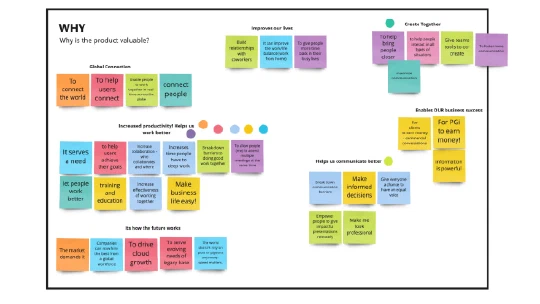
We started the project by gathering stakeholders form product, development, marketing & customer care for a discovery workshop. What does the product do? Who does it serve? How is it different? Why is it valuable?
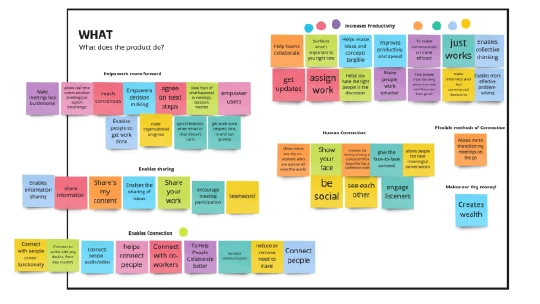
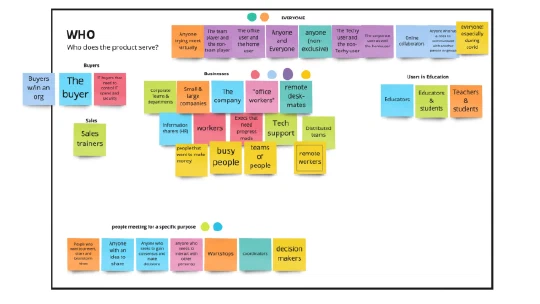
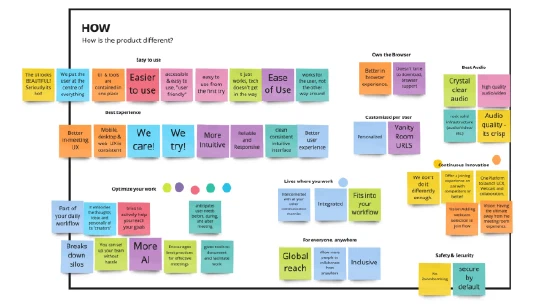
Product Audit
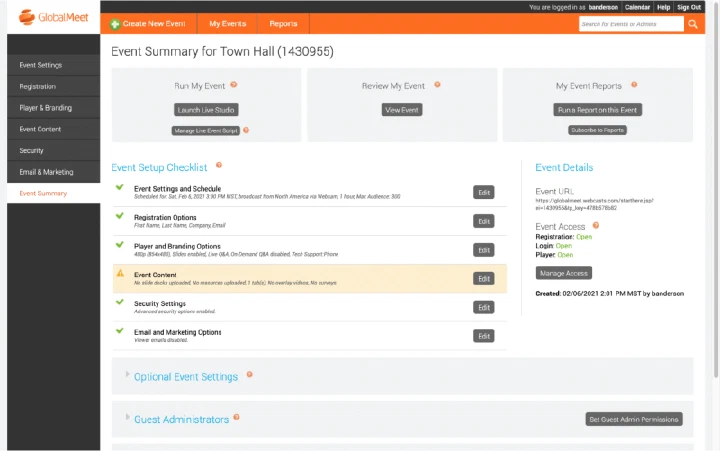
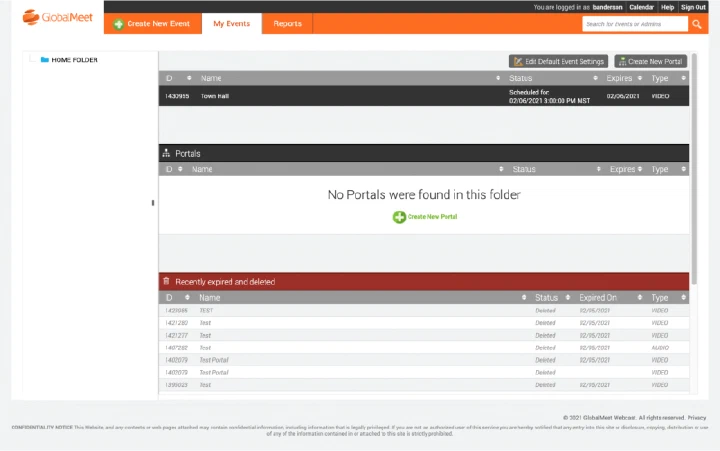
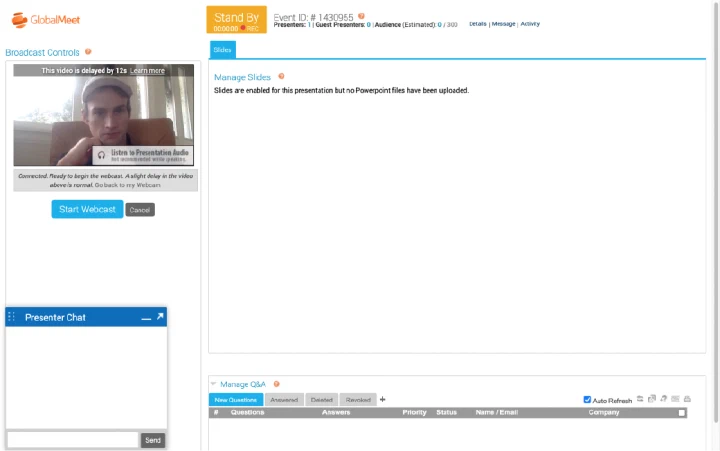
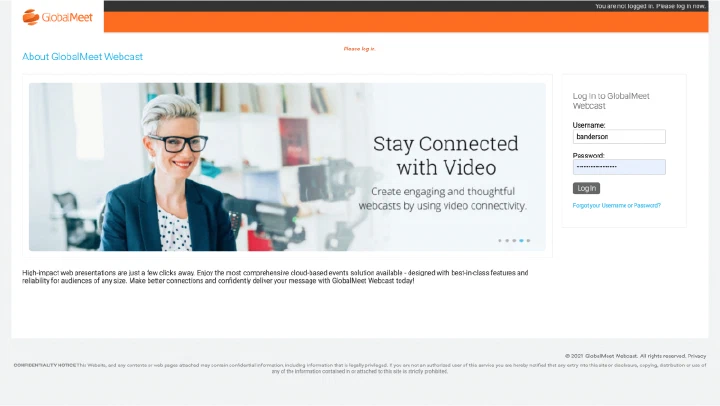
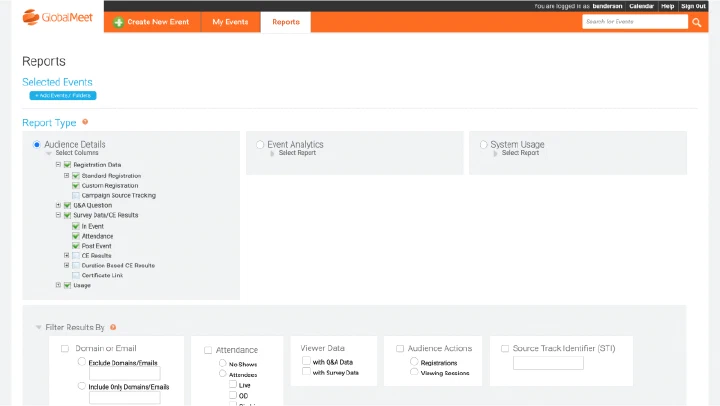
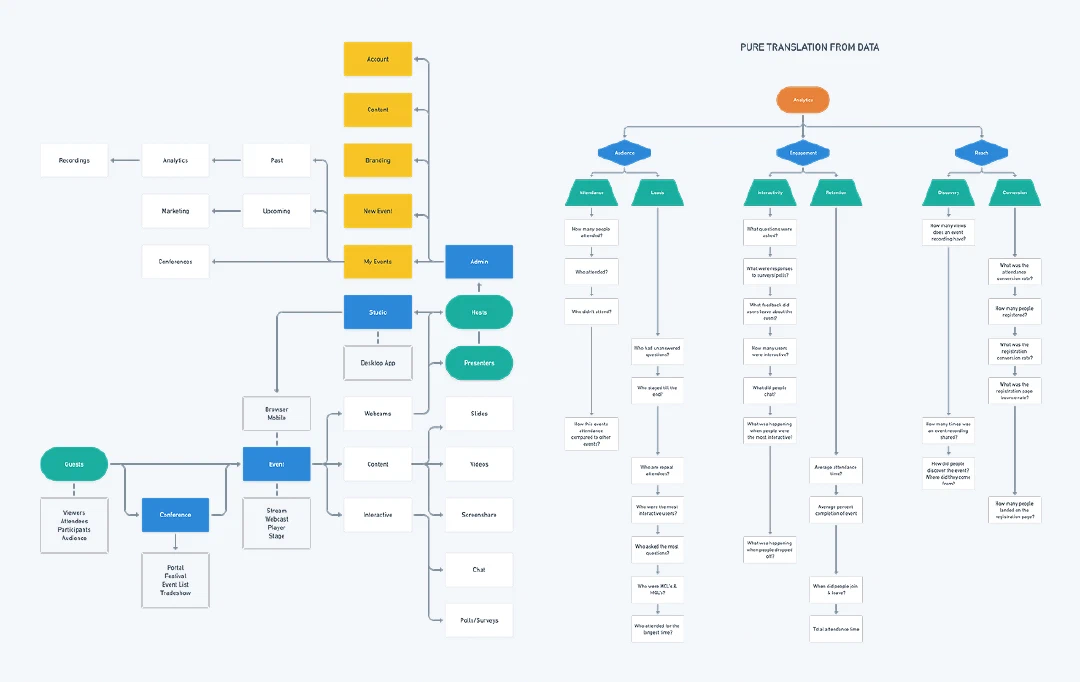
Each part of the platform was surveyed & the architecture was recreated in flow charts & maps, noting pain-points & inconsistencies. The importance of flows like event creation began to emerge.
User Feedback
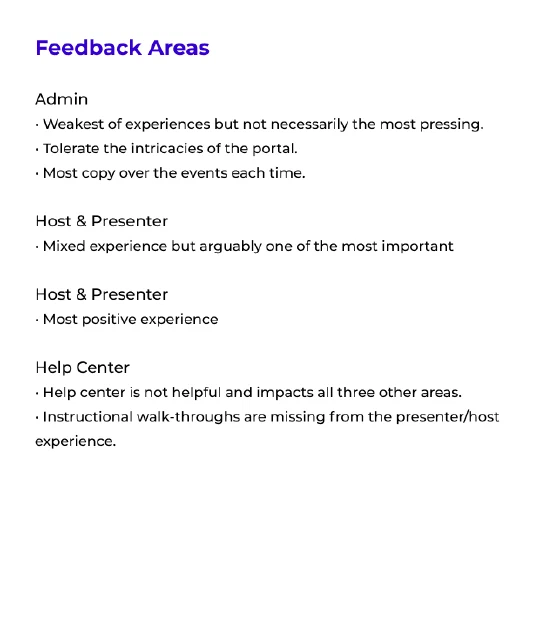
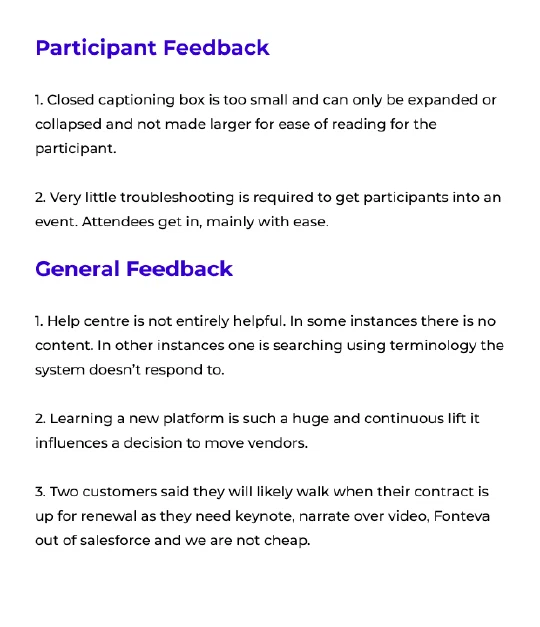
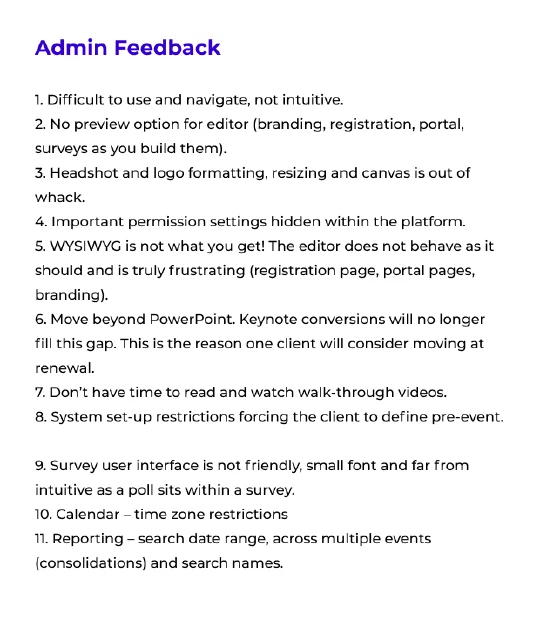
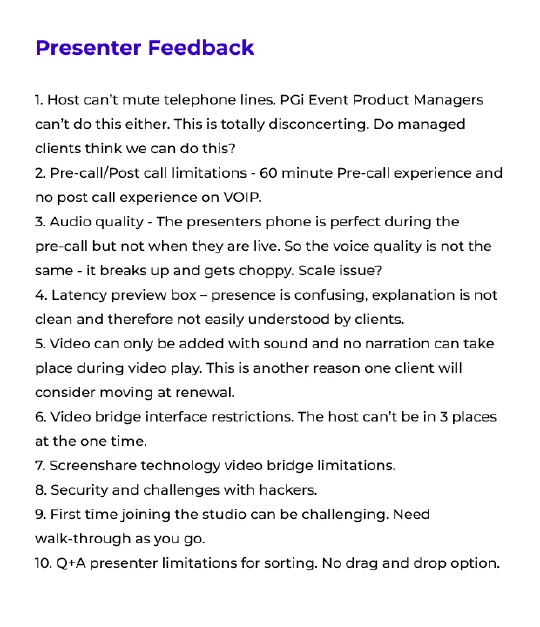
Interviews were conducted with existing customers, with a focus on the positive & negative experiences for participants, admins & presenters.
User Surveys
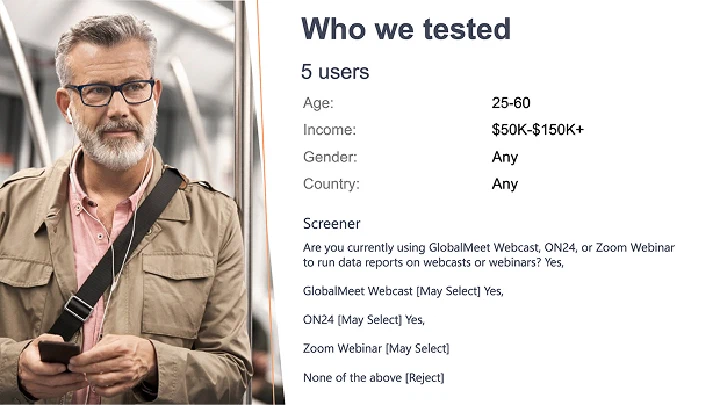
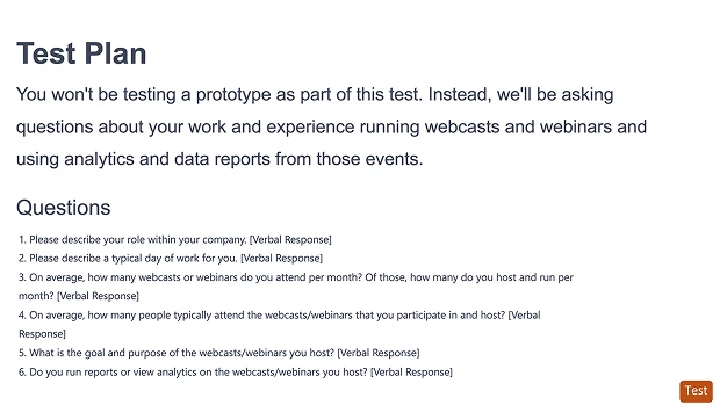
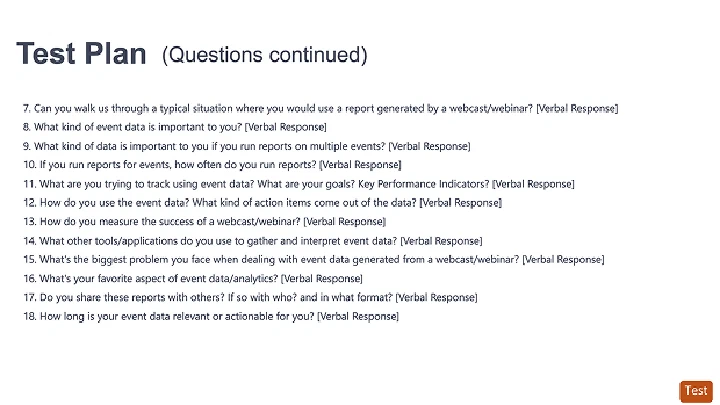
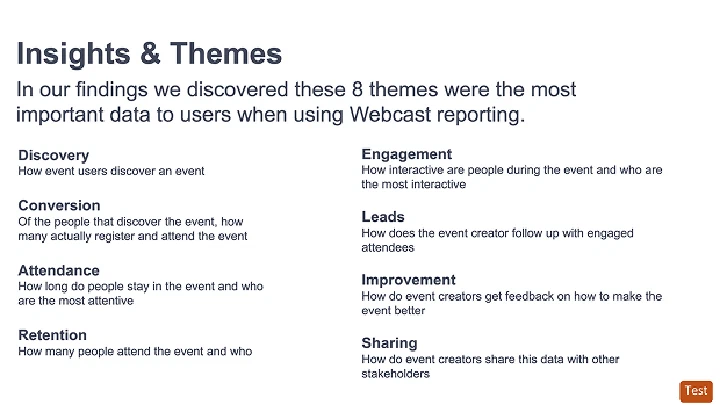
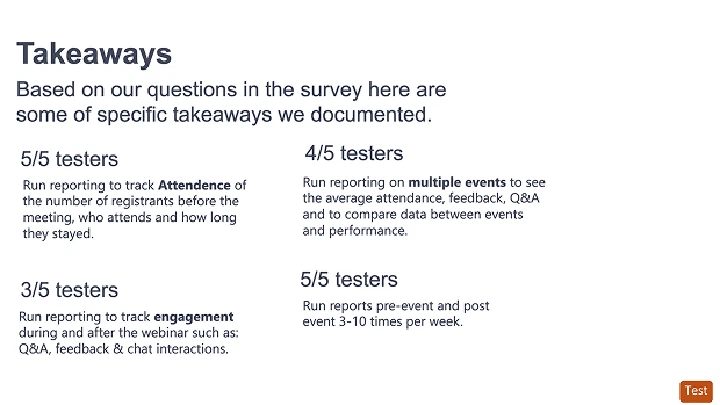
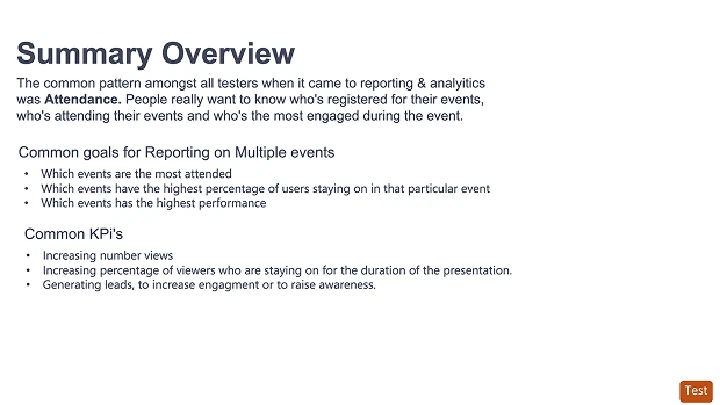
We put out surveys to non-GM users & asked 18 questions out about their most important webcast tasks & work flows.
Sales & Support Feedback
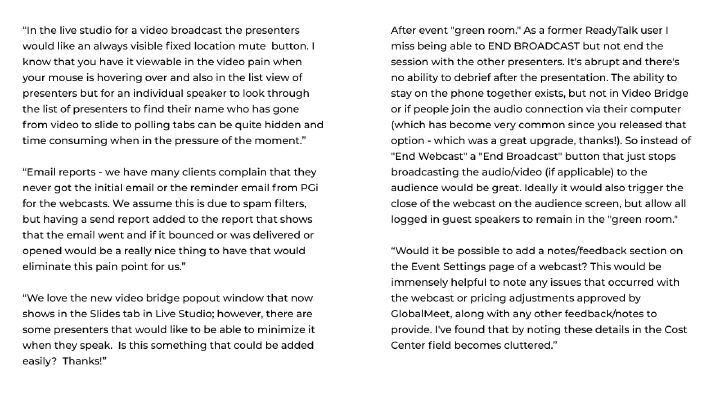
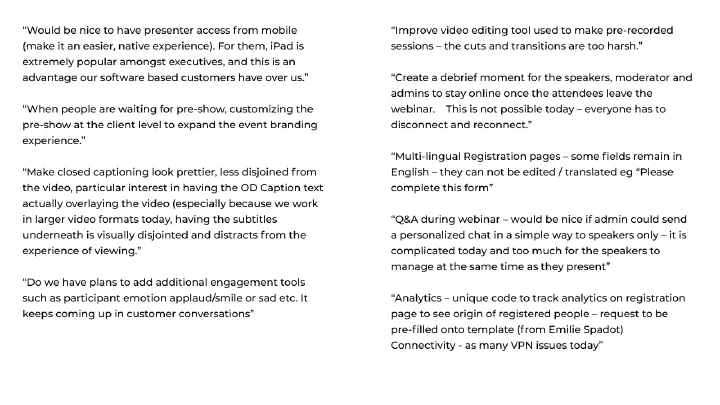
Competitor Review
We looked at the onboarding, event creation & hosting flows of our top competitors and built a folder of screenshots & recordings, noting things that worked & opportunities to differentiate.
Definition
Personas
Beginning with the Corporate Communication vertical, we imagined roles, typical work days, pain points, goals & important webcast features for each persona.
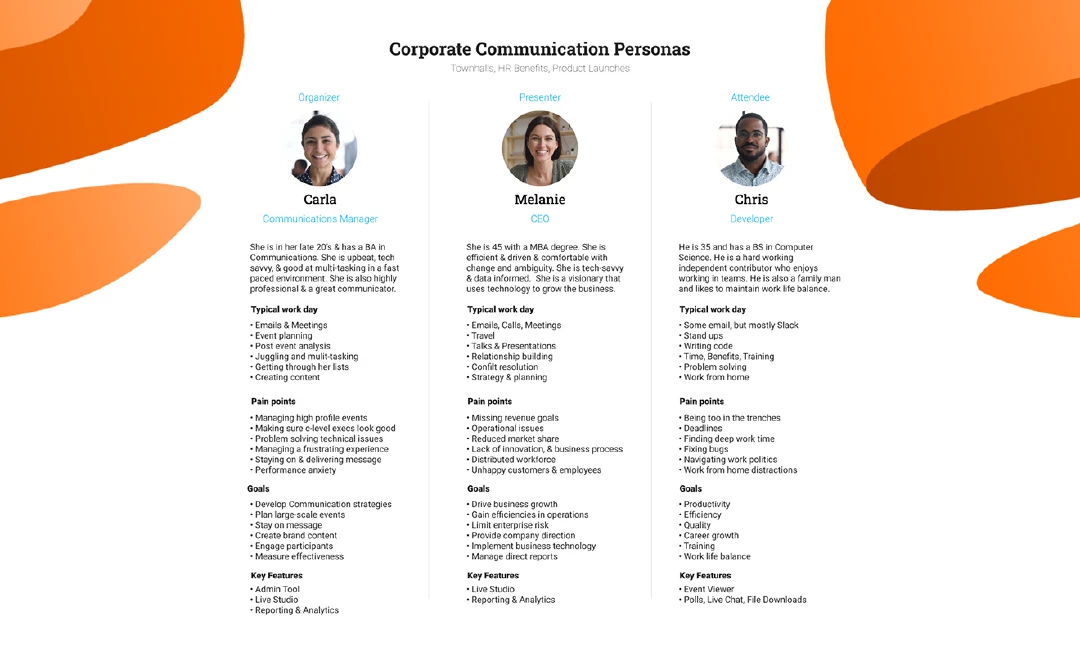
Empathy Mapping
Next we focused on Carla, a Communications Manager and webcast organizer. Plotting her journey from onboarding to post-event, we described what she might be doing, feeling, and thinking along the way.
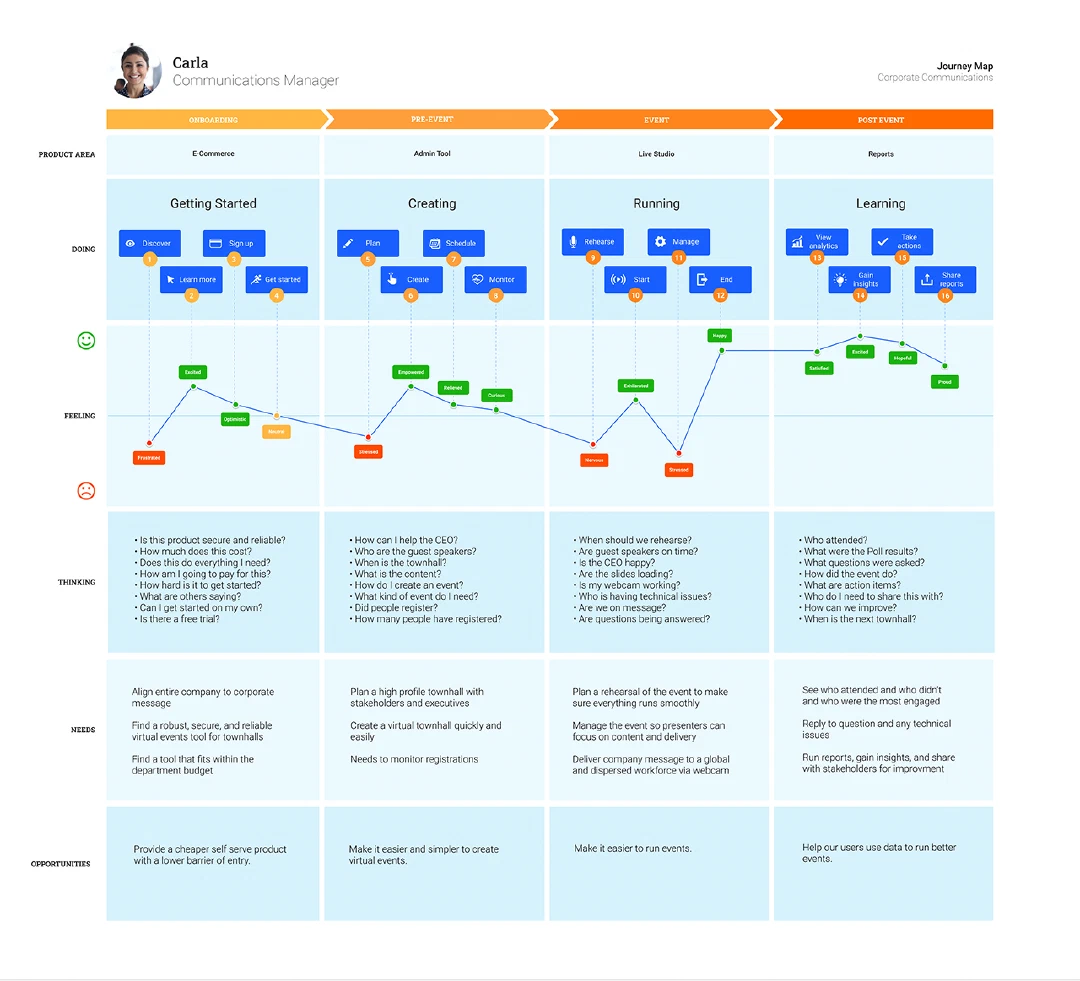
Journey Mapping
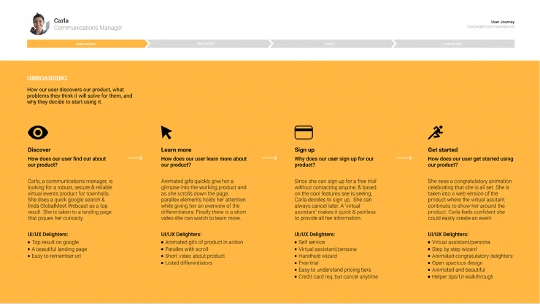
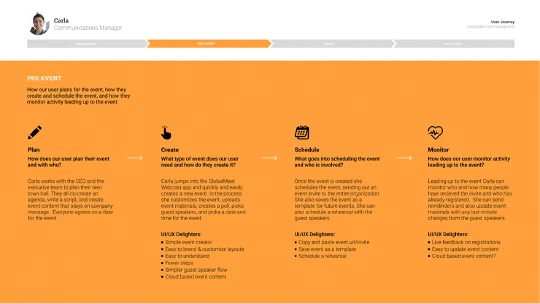
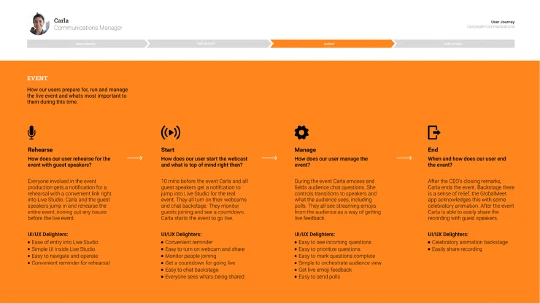
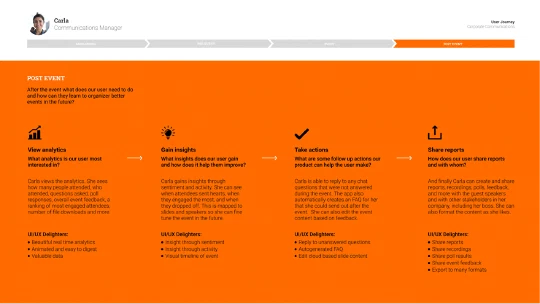
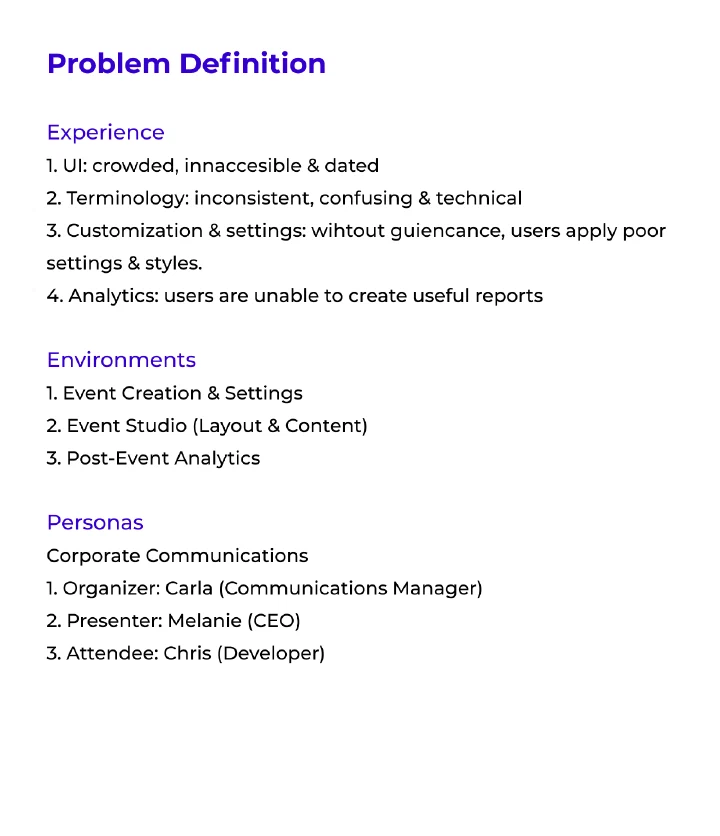
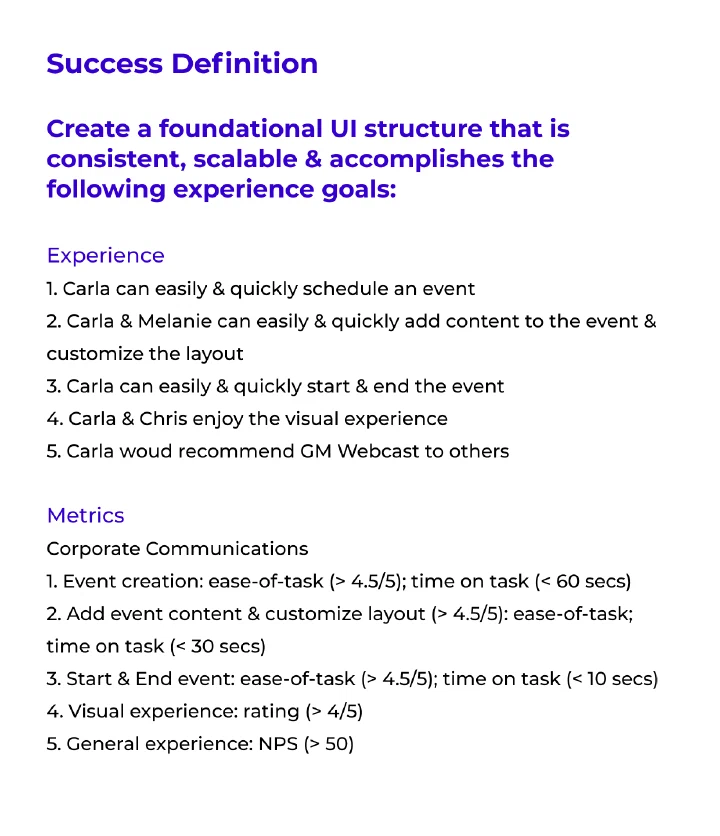
Problem Definition
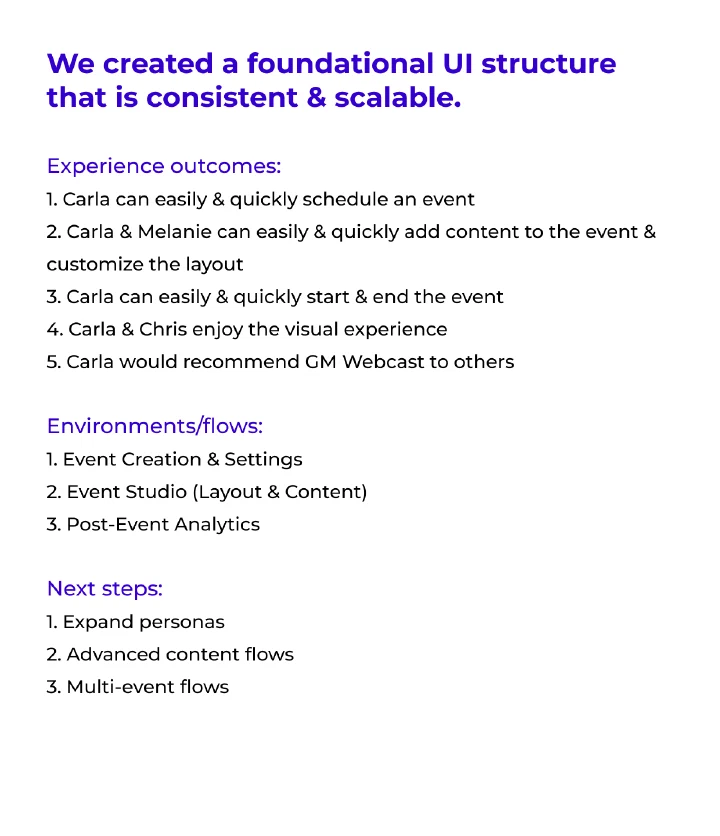
Finally we chose a limited & well-defined set of problems to focus on, along with criteria for success.
Design
User Flows
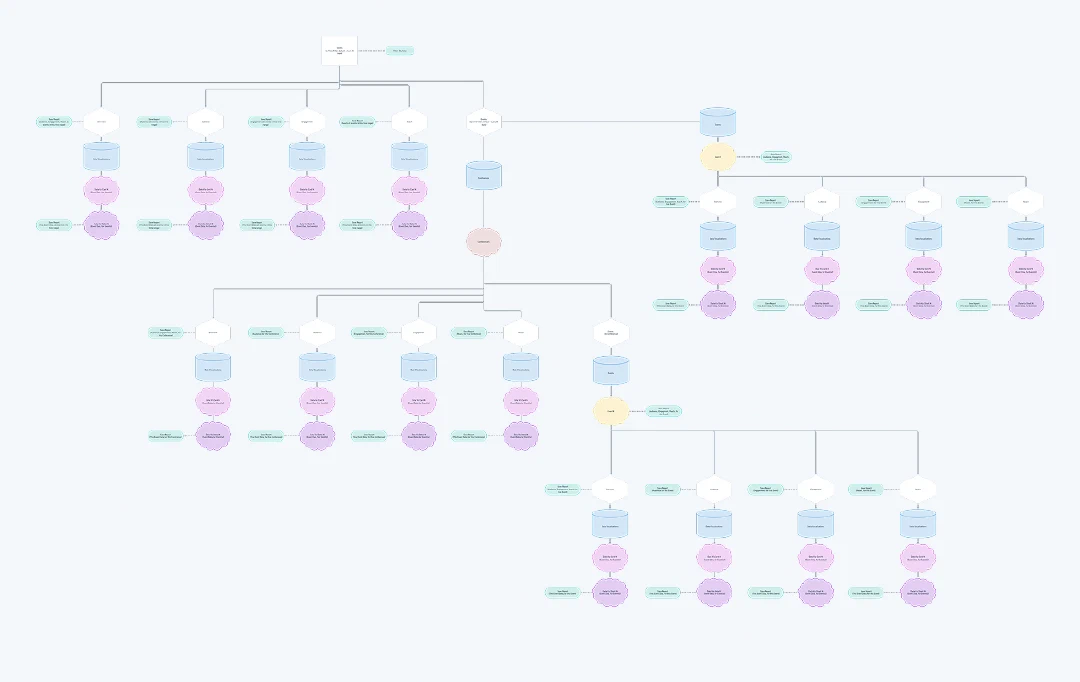
With the existing product mapped, we started to reorganize & simplify the most important user flows, processes & structures.
UI Structure
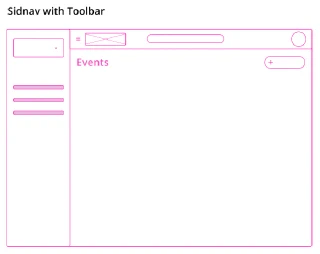
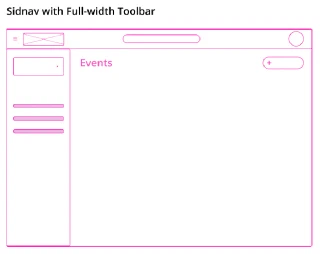
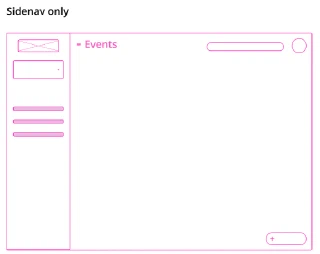
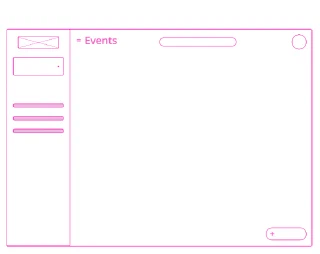
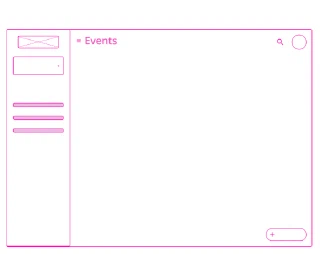
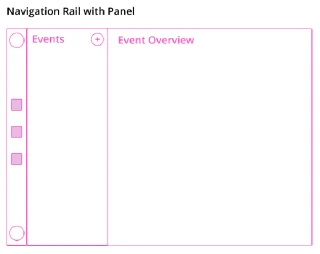
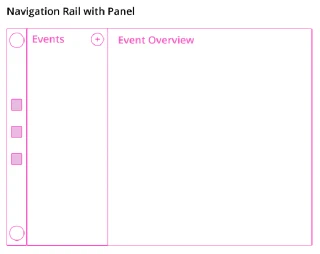
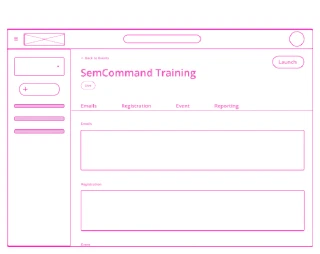
At the lowest-fidelity level we considered various navigation structures. This foundation would need to support all stages & environments. It had to be simple & intuitive, but also scale to accommodate advanced features & settings.
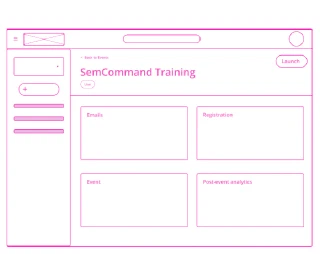
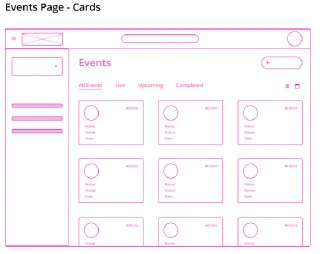
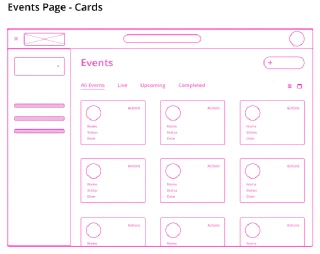
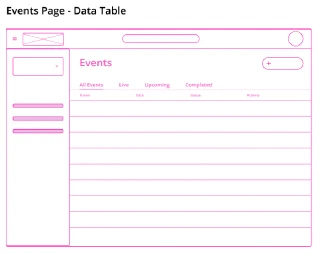
Wireframes
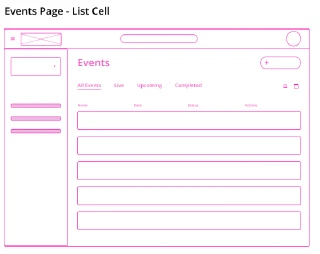
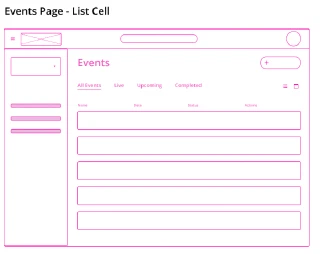
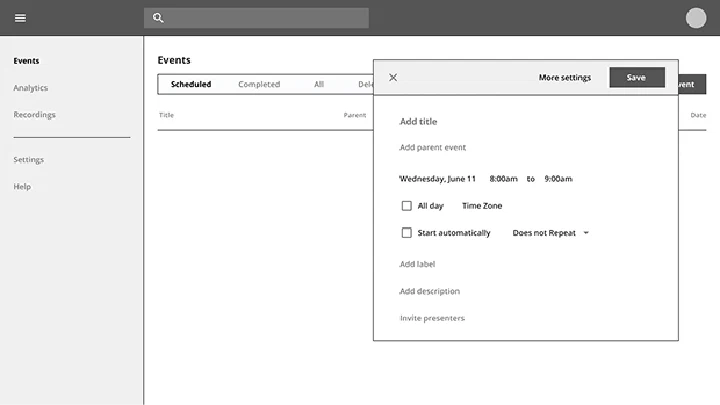
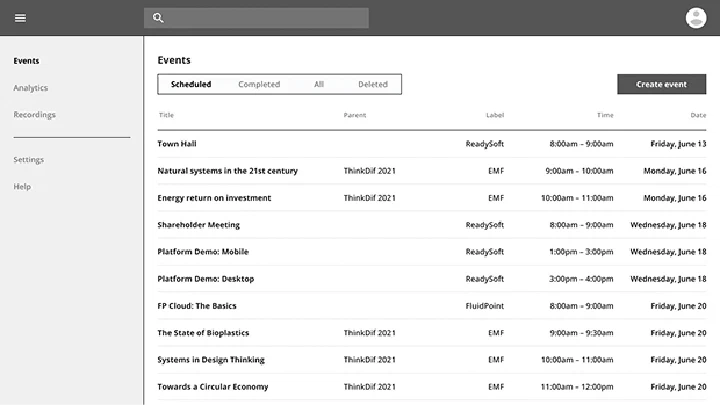
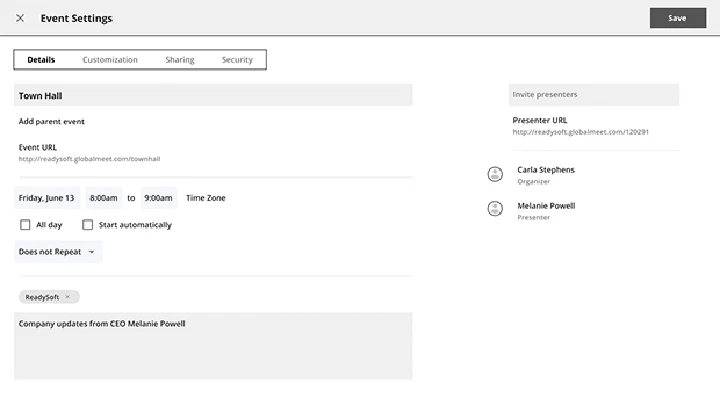
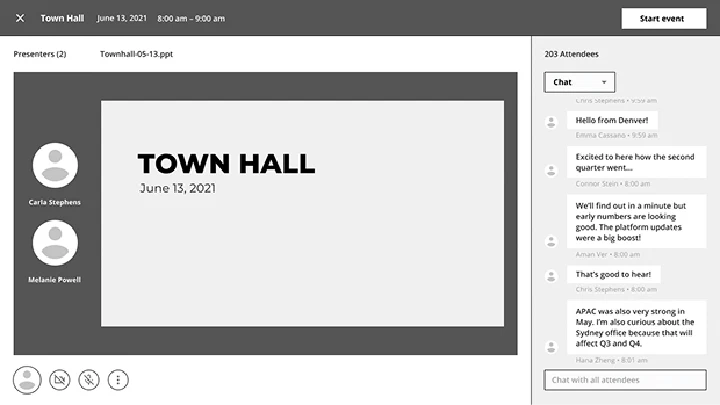
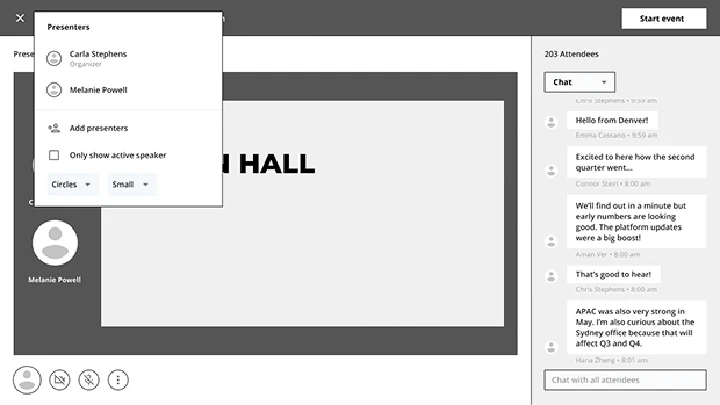
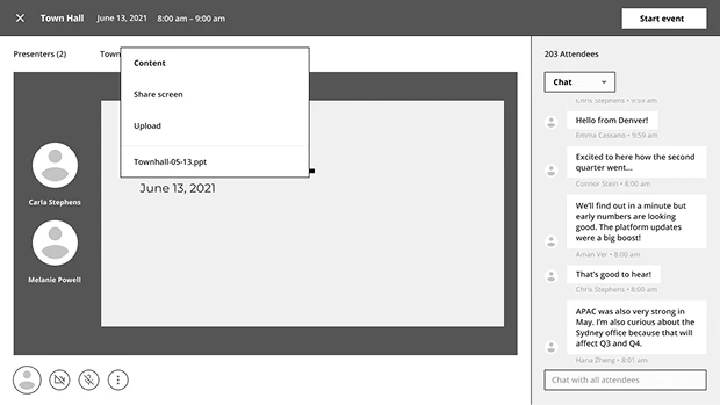
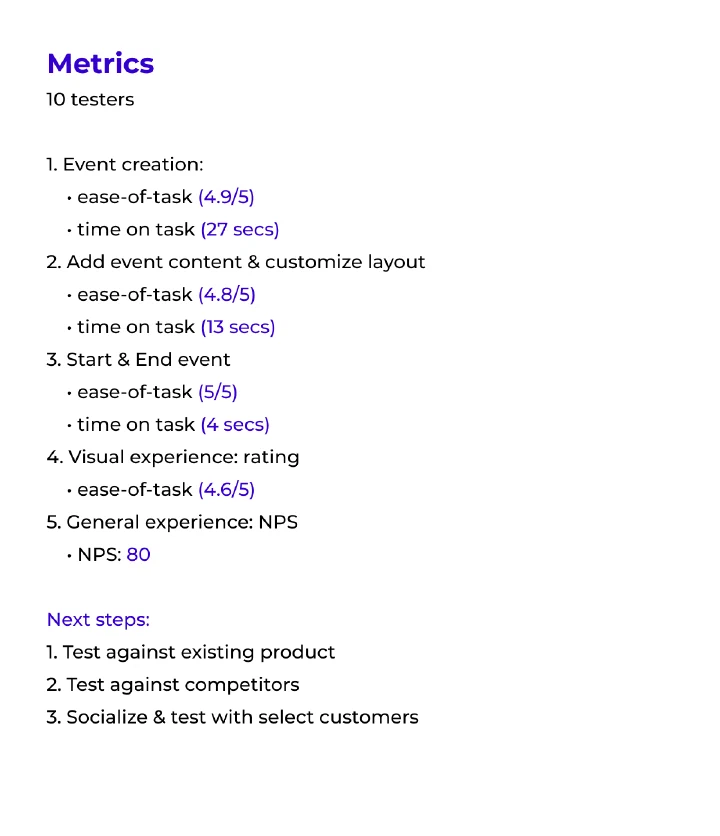
Wireframes & clickthroughs were constructed, tested & deconstructed in iterative cycles until the success criteria was met.
Design System
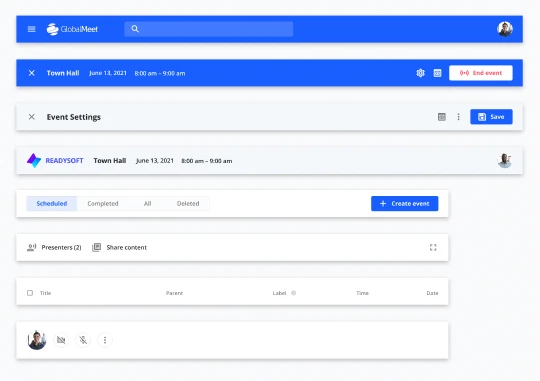
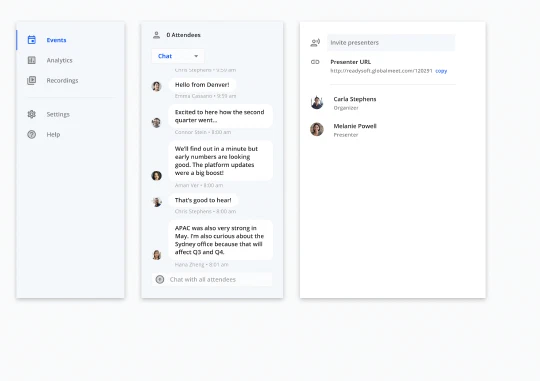
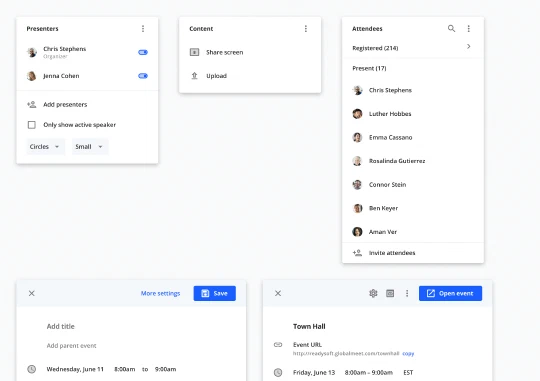
We expanded the GlobalMeet design system for this platform, cross-referencing with Material. Each part of the UI was built with repeatable, pattern-based components & variants.
Web Experience
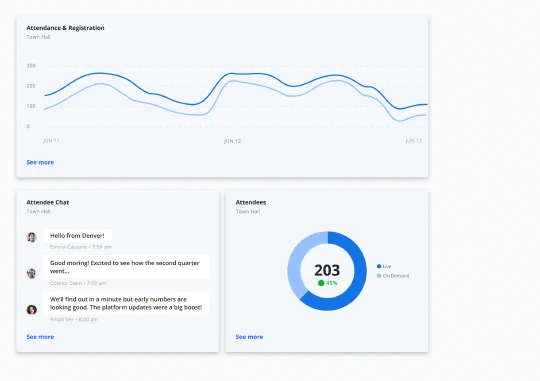
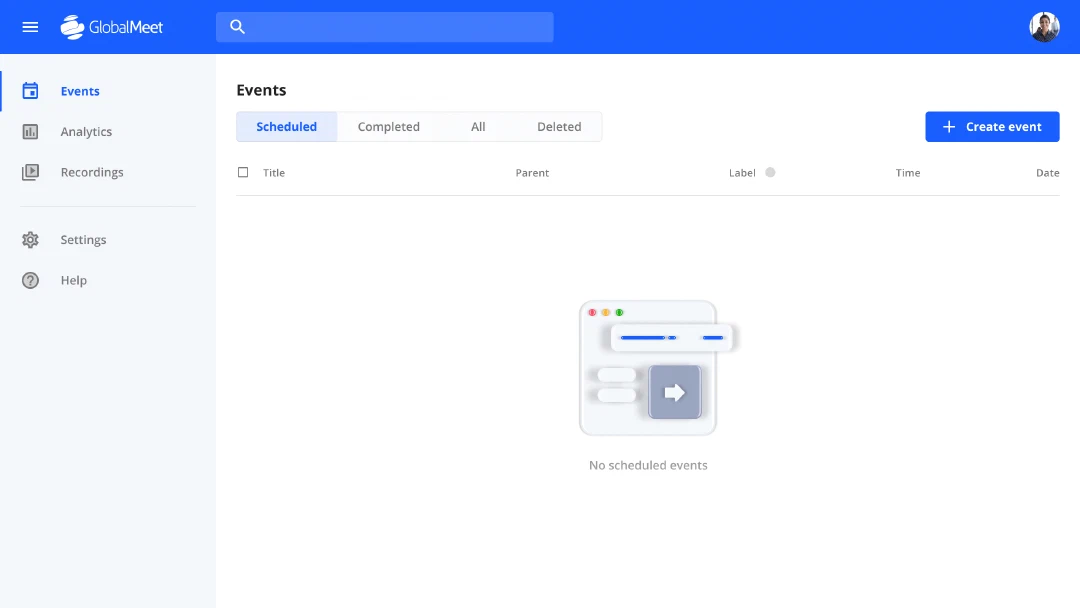
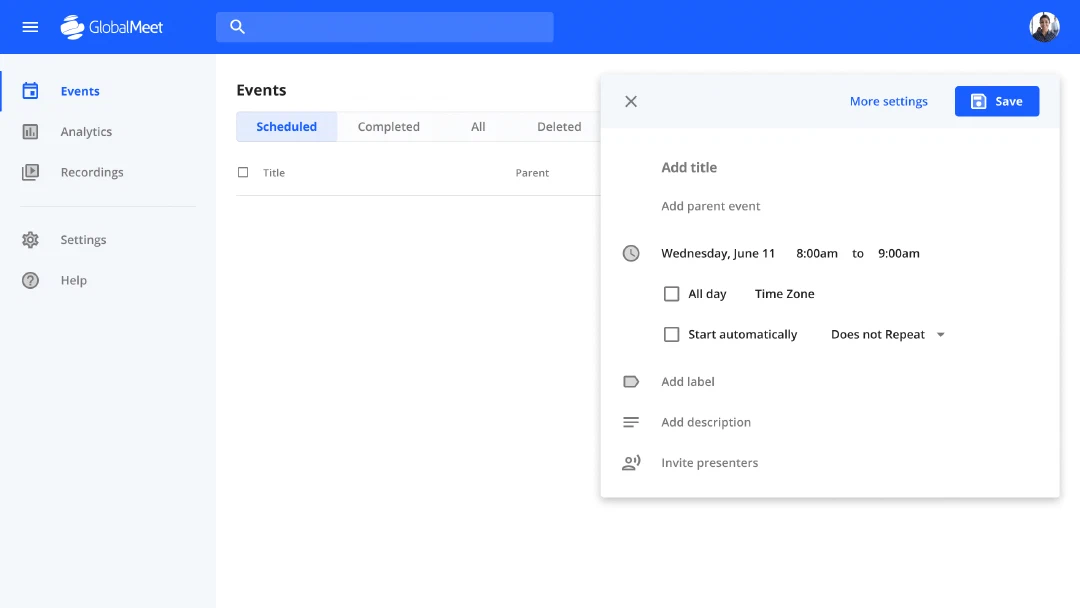
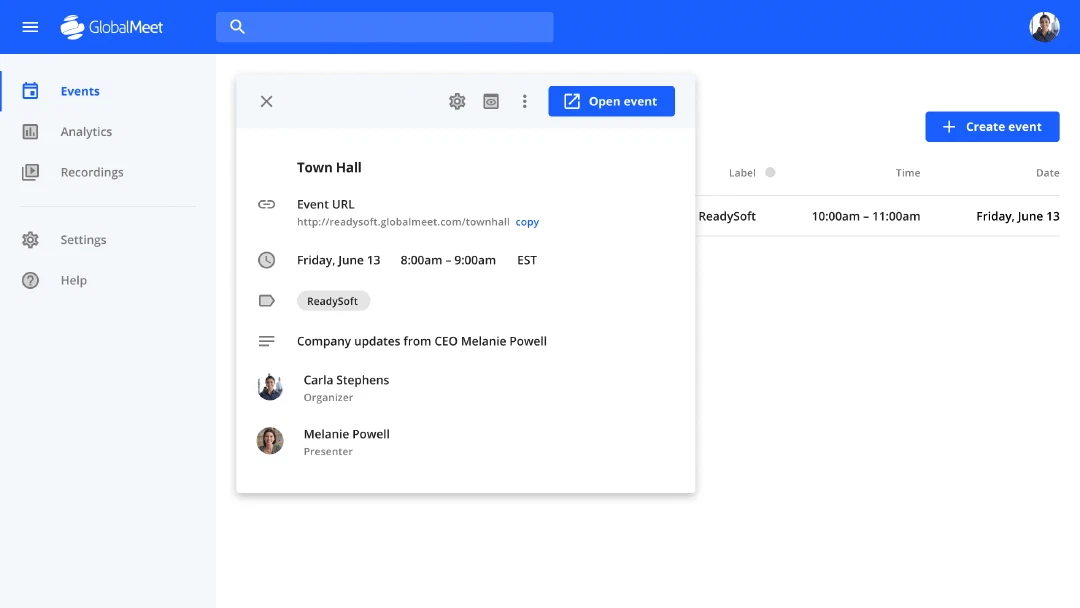
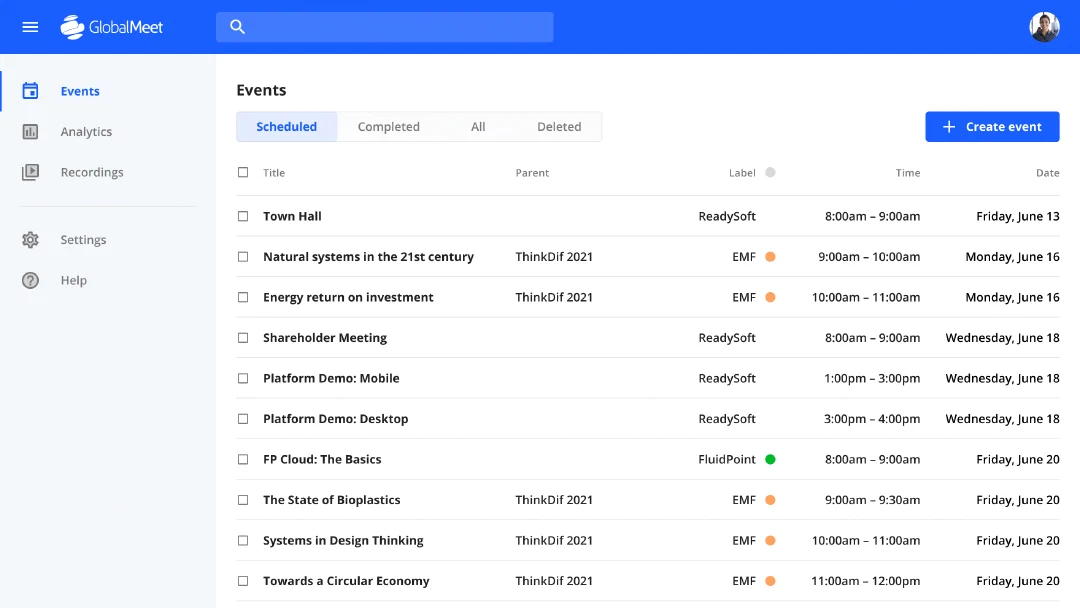
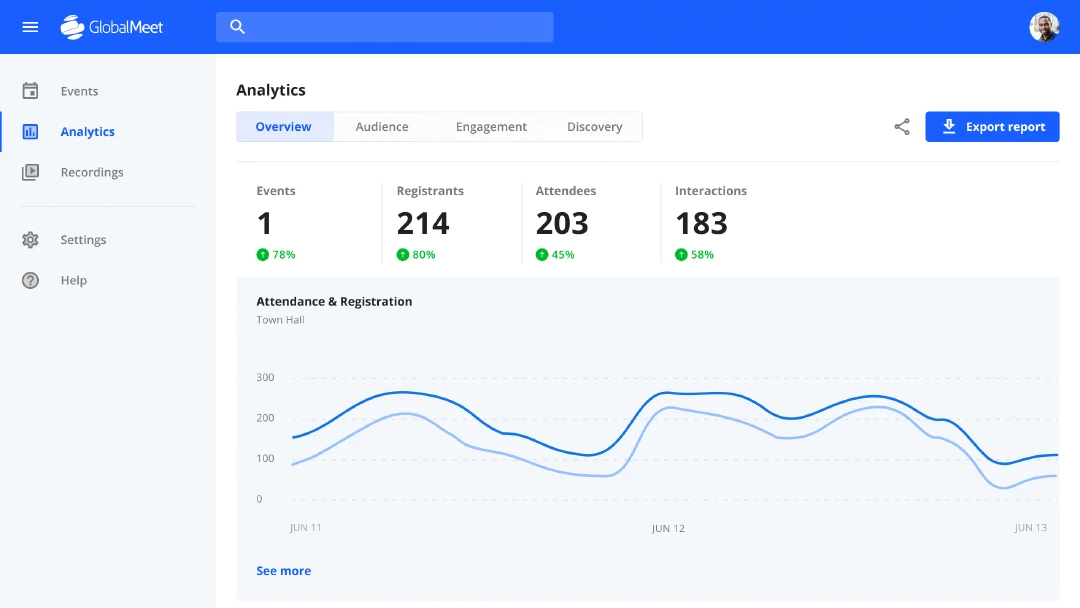
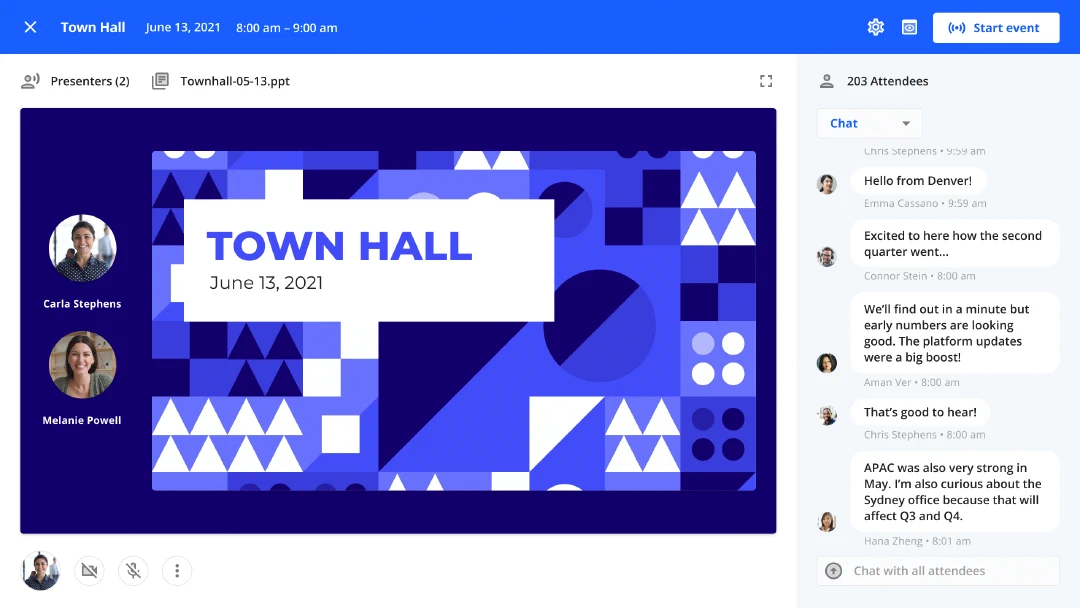
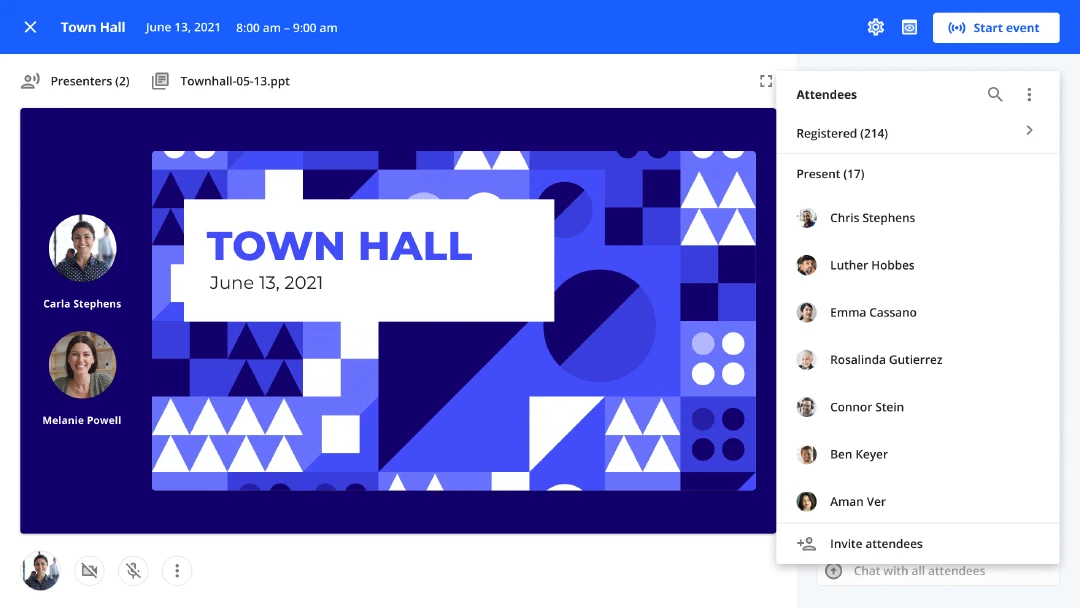
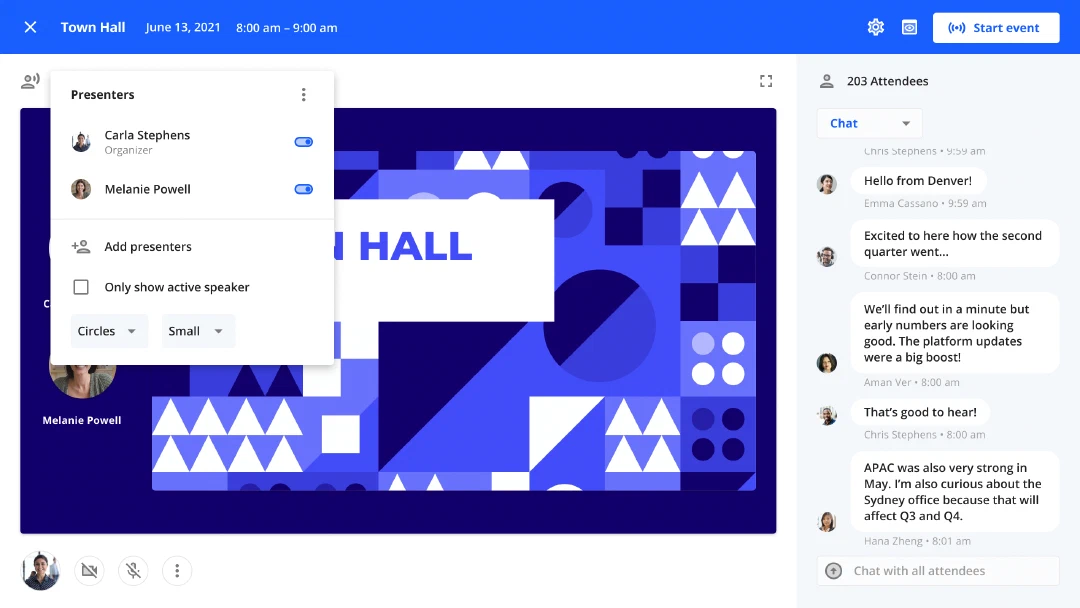
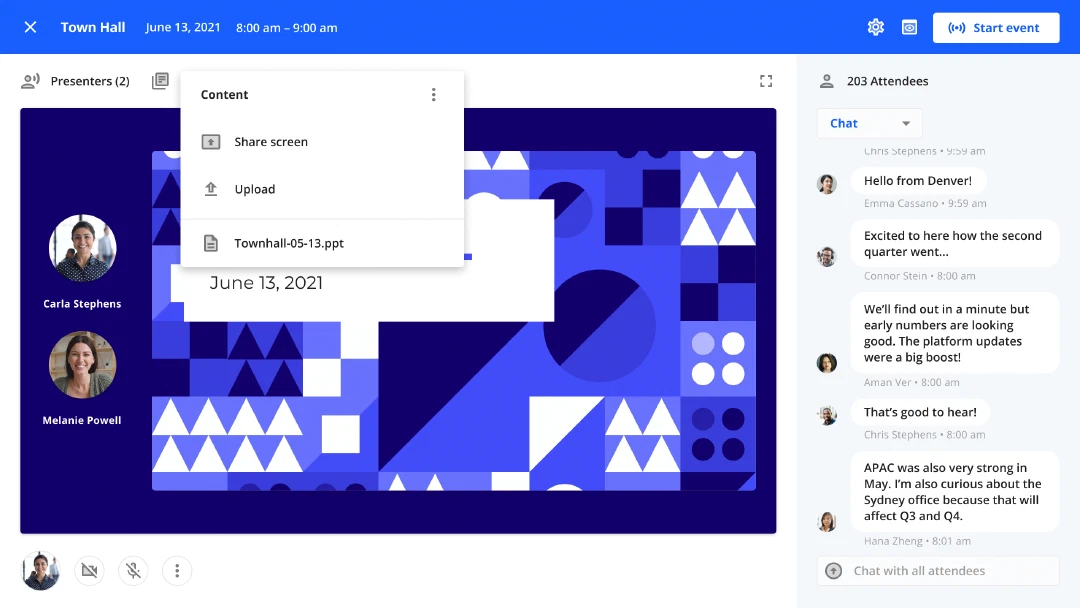
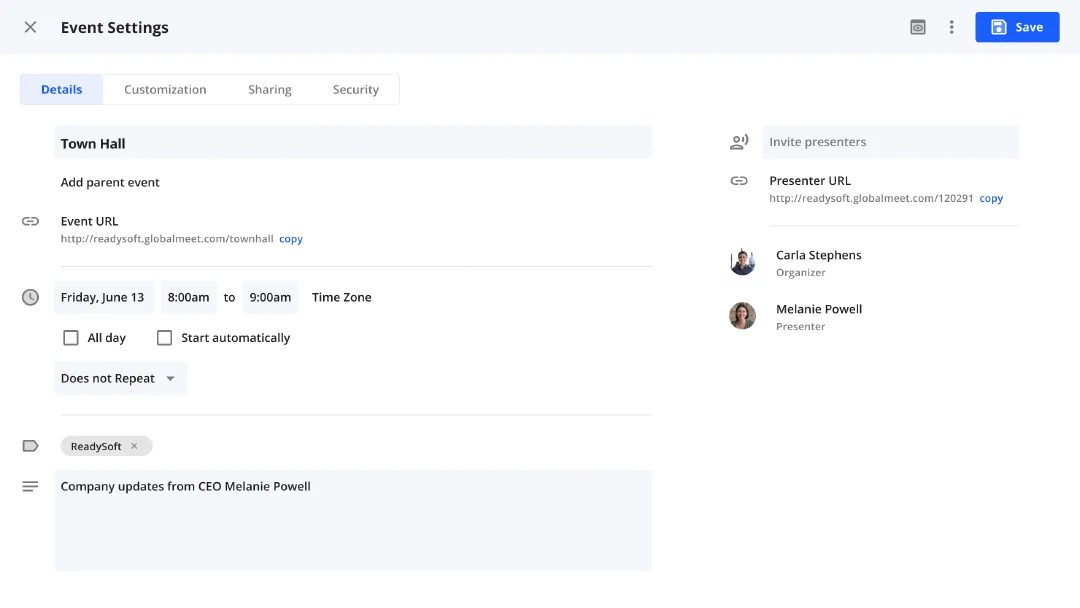
Using the components, detailed mocks were created in Figma for key environments & flows: event admin, advanced settings, event studio, analytics & attendee player.
Delivery
Outcomes
Prototype
We took the designs to the next level with a high-fidelity prototype, made in ProtoPie. We added animations, transitions, interaction states, dynamic forms & simulated webcam feeds.